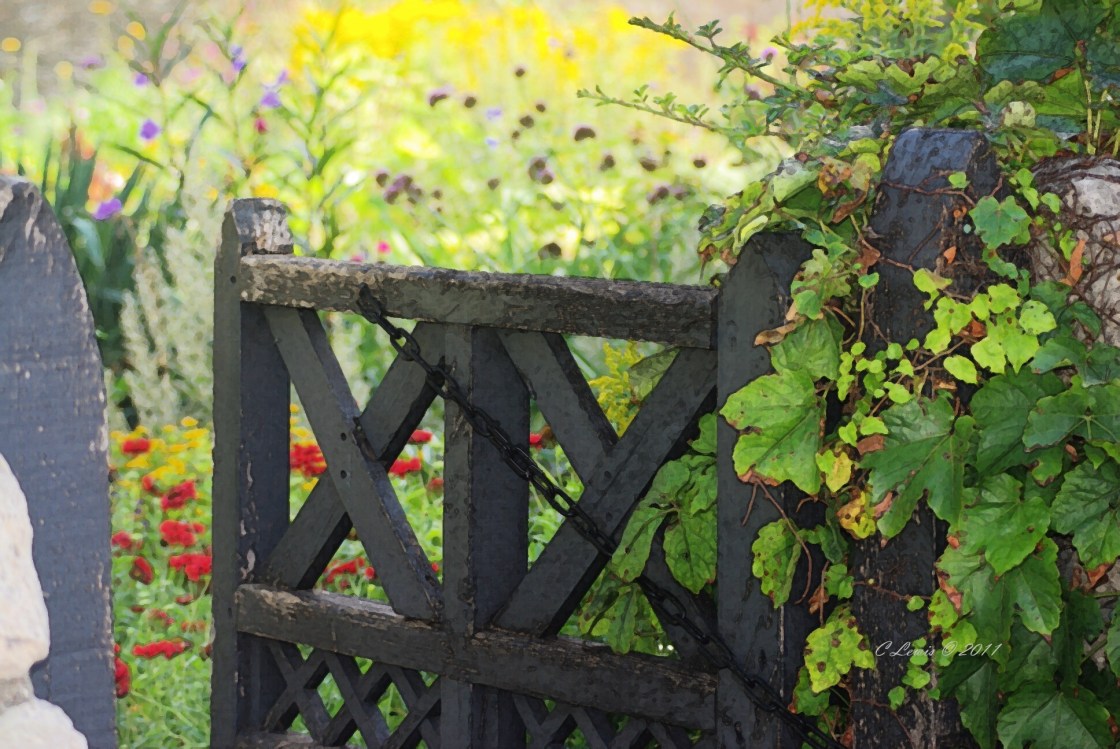
Ghost in Garden Collage in Progress

This slideshow requires JavaScript.

I still have much to do and will update after I feel there is something more to show.  I like to use photo transfers from my inkjet printer on all kinds of paper and cloth.  Computer software is great for making all kinds of special effects to customize your mixed media art.  I usually make a transfer off of construction paper or vellum due to the thickness of the paper.  I will just affix any pictures printed onto tracing paper with the paper, inkside down.  You have to be very careful when you are working with inkjet photos instead of laserjet, because they smear worse.  I always apply the medium to the canvas or the board and then affix the picture ink side down carefully in place so you don’t have to move it.  Then you are free to add additional medium to the top and edges to firm in place without any fear it will smear.

I know that I will be adding additional paint and perhaps stamping techniques, maybe even covering up some of the images that are already on the canvas.  I will sometimes work something over so much that it is no longer recognizable from the first creation.  Like any artist, I just keep working until I feel it is complete.  I do plan on adding more mixed media hardware and fabric as well.  
More to come.

Vanilla & Berries Coffee Cake for Sunday Morning

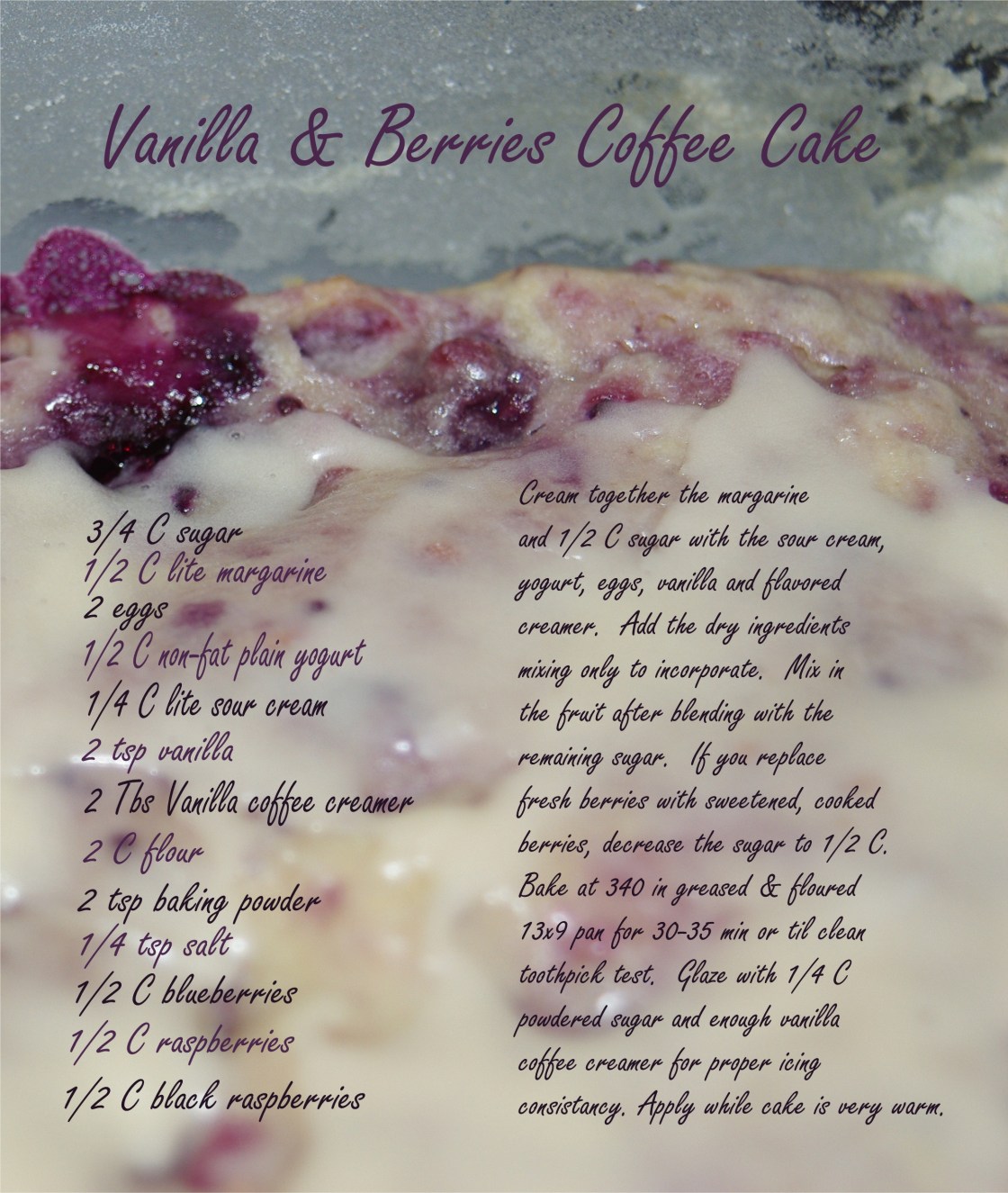
Found a recipe for French Vanilla Blueberry Steusel Coffee Cake on the website divascancook.com.  Looked interesting but as usual I changed up the recipe and here it is!

VanillaBerriesCoffeeCake2


Weekly Photo Challenge: Home

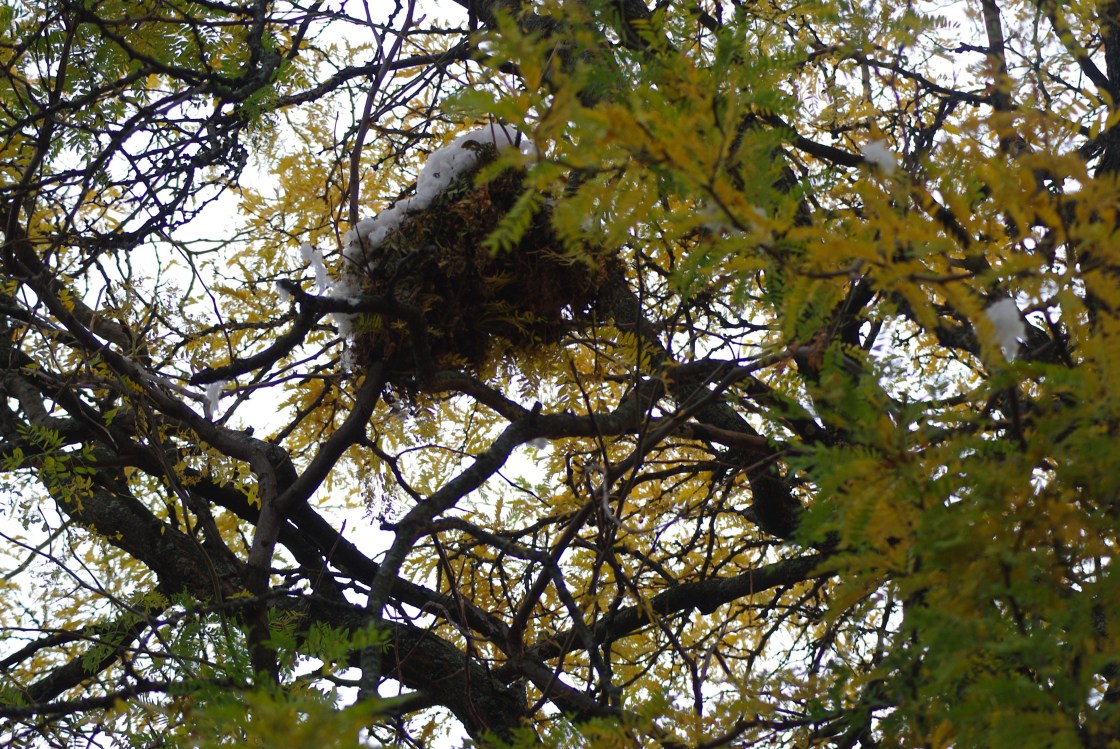
Some squirrels have made themselves at “home” in a tree in my backyard.  I could tell by the insulation that we would be in for a cold winter.

squirrelhomeJan2013Misc 018 squirrelhomeJan2013Misc 019


Apparently they raided my neighbors patio cushions and pulled out the stuffing to insulate it.  So stylish & cozy!

The resident squirrel taking a bow.

Weekly Photo Challenge: Love

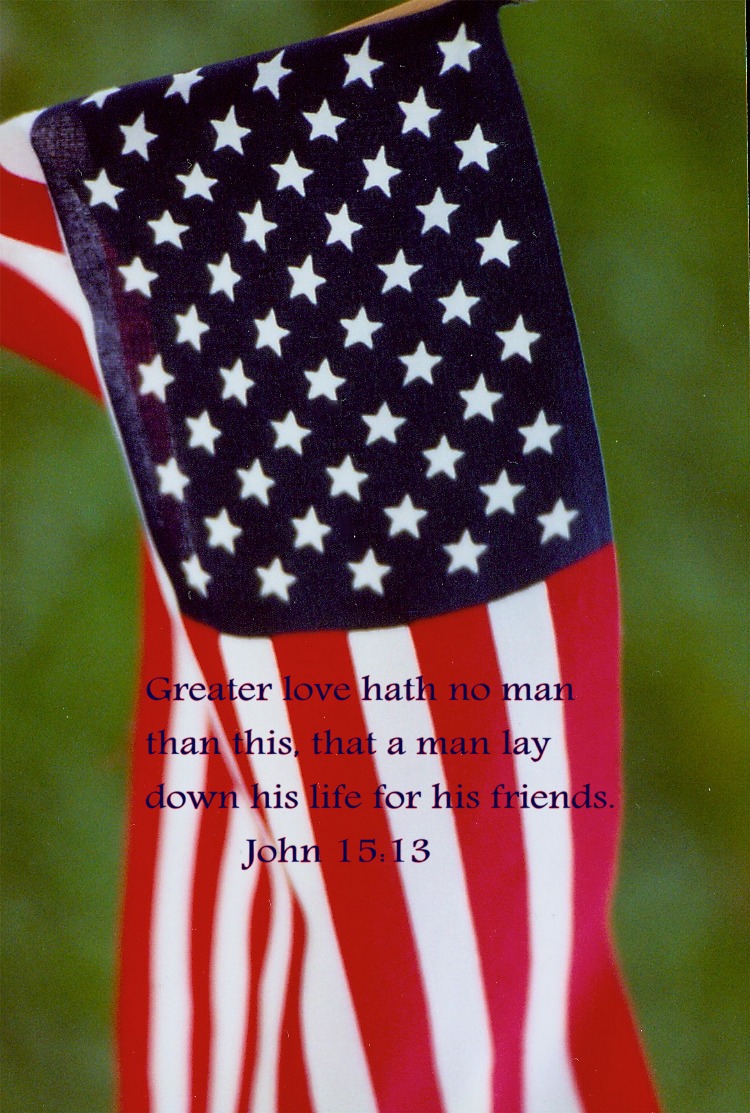
One of the saddest things about love is when you have to die for it.  Why does anyone have to die for love?  That defeats the purpose of love.  We all need to start living for love and not allowing anyone or anything to make us quit, slow us down or stop us!  We need to make sure that no one has to die for love again.  Too many soldiers and men of peace have died since Jesus gave his life as a sacrifice over 2000 years ago.  Too many lives are ended by those who have no hope or peace in their hearts.  Those who don’t know what love is.  Jesus gave us the knowledge that we truly can do anything if we have enough faith.  He told us that if we really love him, we will keep his commandment of loving one another.  If it wasn’t hard to do, it wouldn’t have to be a commandment, but it can be done.

loveblogGREATERLOVEFLAG loveblogGREATERLOVE2

Taking A Bad Sketch to a Whole New Level

I still have the old Photo Draw 2000 software from Microsoft, and love it.  I have since purchased Photoshop Elements, but have yet to use it.

Try something different or creative with any of you art or photos.  My favorite effect is to use the “cut out” by color, then change the search mode from global to local and make sure the “put in new picture” is checked.  Do this effect in various areas of the selected picture and when finished, select to fill from the format tab.  There I selected the gradient fill for the colors but you can replace it with a photo, texture or all one color.  It will only fill in the areas of the sketch that you clicked to cut out, which is the effect I wished to achieve.  I then used “Designer Effects” from the Effects tab to enhance the color and contrast to my taste.  I finished by layering the enhanced picture over a dark purple background color that had to be created from the default picture after the picture setup was changed from landscape to portrait.

Anyone else out there fool around with their photos or art like this?